SoundMix
SoundMix are useful for hierarchical control over SoundEvents
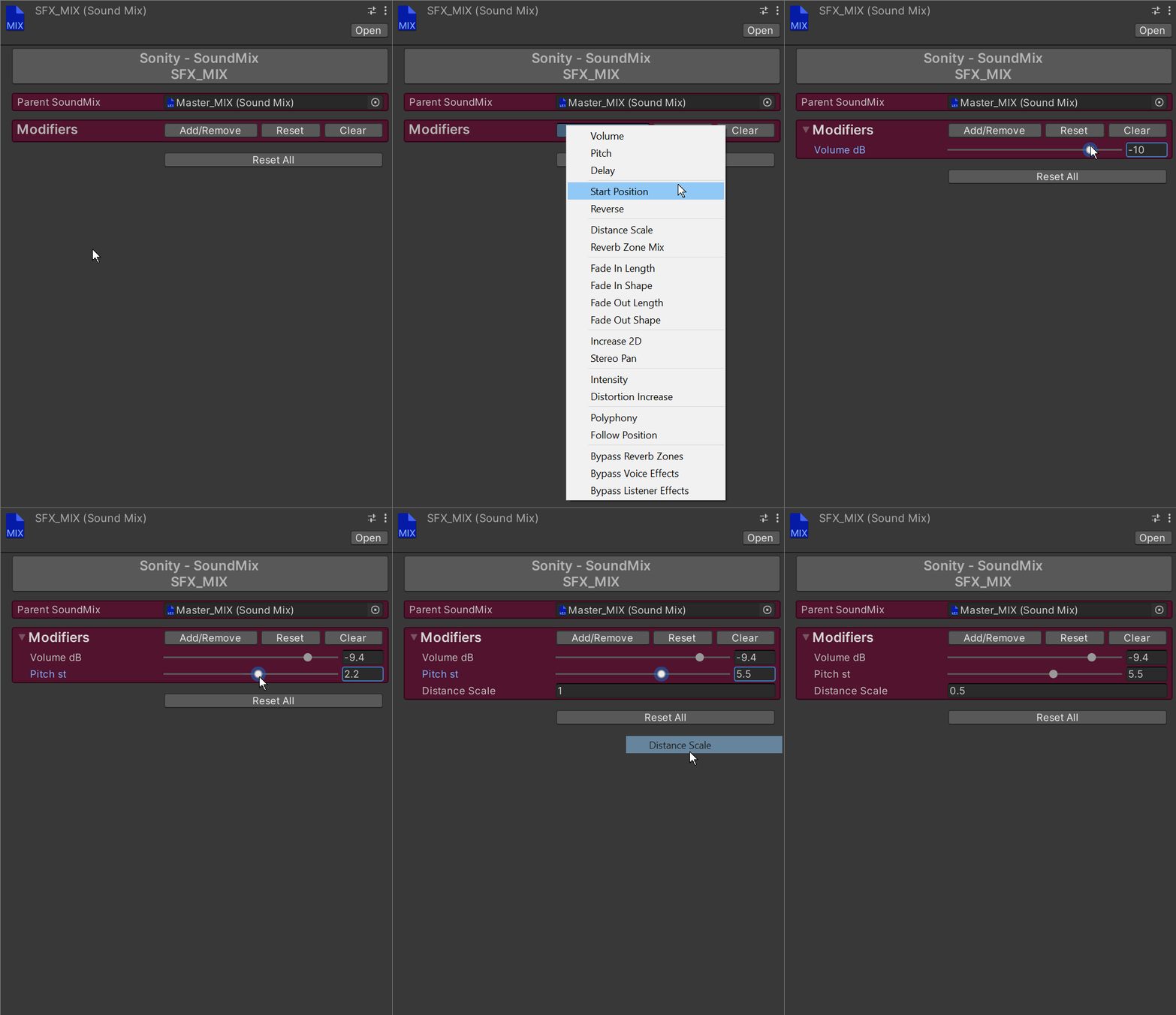
SoundMix objects are used for grouped control of e.g. volume or distance scale for multiple SoundEvents at the same time. You can assign them in the SoundEvent settings. Because SoundMix use modifiers they only calculate the values once when the SoundEvent is started. If you want to have realtime volume control over sounds, use an AudioMixerGroup. To learn more, take a look at the TemplateSoundVolumeManager script. All SoundMix objects are multi-object editable.
Example use: Set up a “Master_MIX” and a “SFX_MIX” where the Master_MIX is a parent of the SFX_MIX.
Notes At the top of the SoundMix there is a text field which you can fill with notes.
Modifiers Modifiers are used to control how SoundEvents are played (e.g. volume, polyphony, fade in length etc). See modifiers for more info.
Asset GUID
The ID of an asset is cached in the editor because in some cases when using addressables a single scriptable object might be instantiated multiple times. This might lead to problems where a simple "Object == Object" check will return false, but a "ID == ID" will return true. If you are upgrading Sonity and use addressable assets you probably want to select all Sonity scriptable objects and run: "Tools/Sonity 🔊/Set Selected Assets as Dirty (Force Reserialize for Resave)" which will force the assets to cache the GUIDs. You can search t:SoundEvent, t:SoundContainer, t:SoundTag, t:SoundPolyGroup, t:SoundDataGroup, t:SoundMix, t:SoundPhysicsCondition to find all objects. If no GUID is cached then it will use the InstanceID in builds. The free trial version doesn't have full functionality.
Last updated