> For the complete documentation index, see [llms.txt](https://sonity.gitbook.io/docs/llms.txt). Markdown versions of documentation pages are available by appending `.md` to page URLs; this page is available as [Markdown](https://sonity.gitbook.io/docs/how-to-guides/debug-sounds-and-performance.md).
# Debug Sounds and Performance
How to debug which sounds are playing and how much performance they use
If you want to debug audio performance or what sounds are playing, you can use:
* [Unity built in Profiler](https://docs.unity3d.com/Manual/ProfilerAudio.html)
* [SoundManager Statistics](/docs/soundmanager.md#statistics)
#### **Unity Profiler**
[Read more here.](https://docs.unity3d.com/Manual/ProfilerAudio.html)\
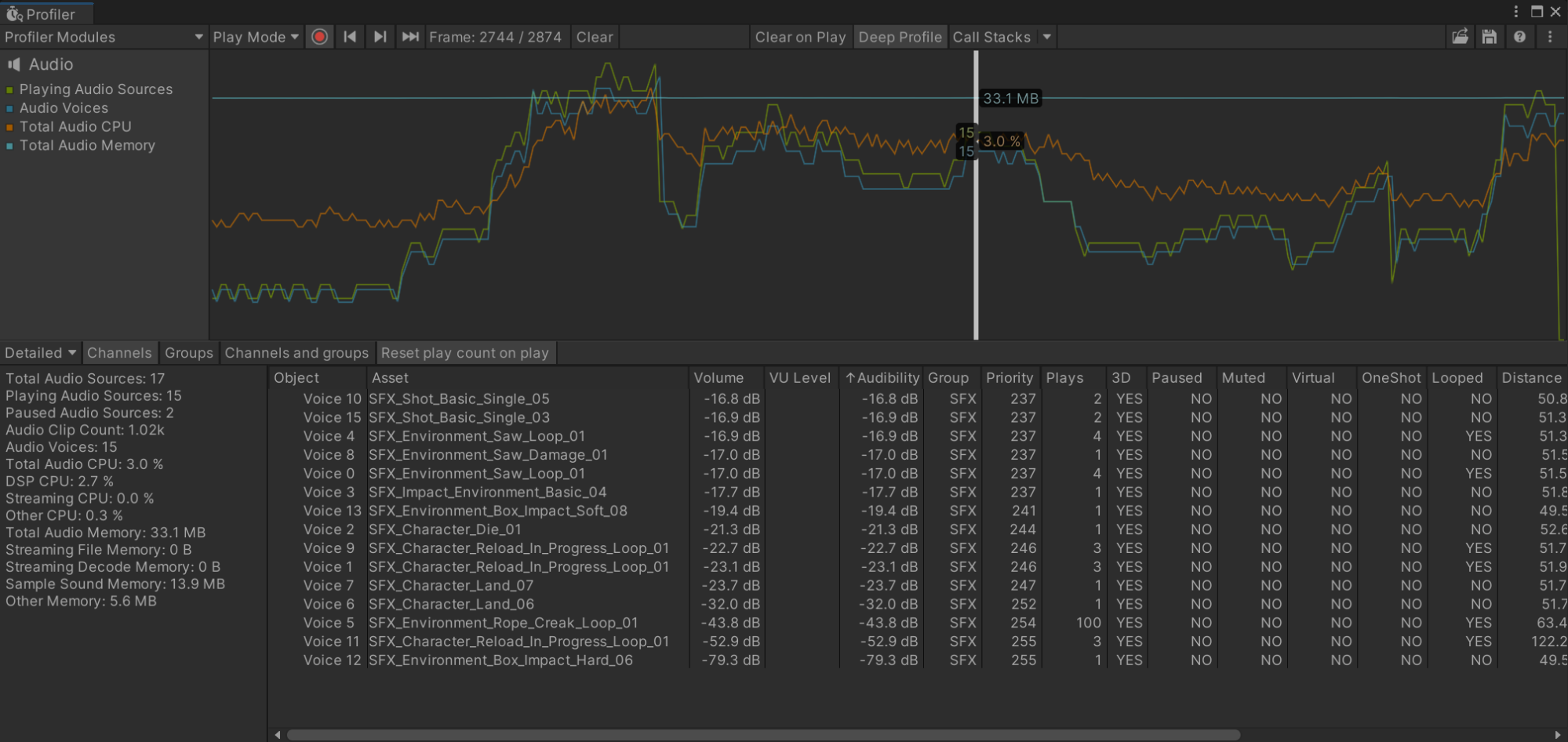
Because Sonity is built upon Unity native AudioSources, you can use the built in Profiler.
Example of the profiler in “Detailed” mode (bottom left) with deep profile enabled:
#### **SoundManager Statistics**
[Read more here](/docs/soundmanager.md#statistics).
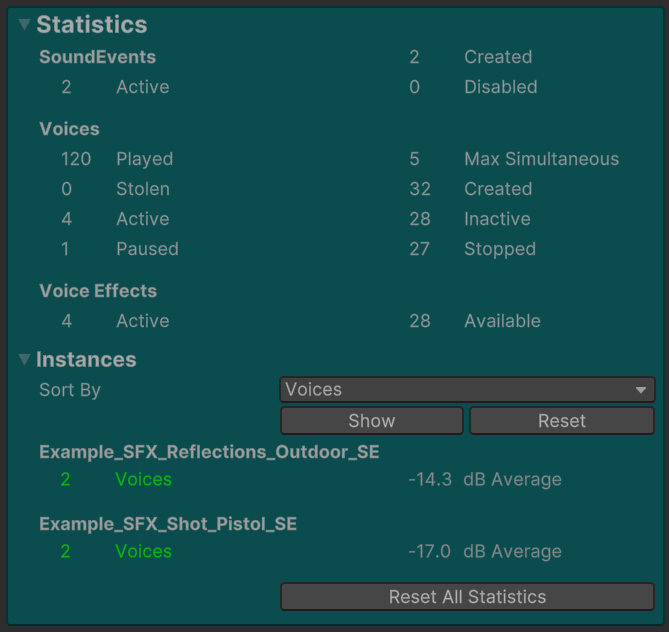
Example picture of the the [SoundManager](/docs/soundmanager.md):